Tiko Sanal POS Dashboard
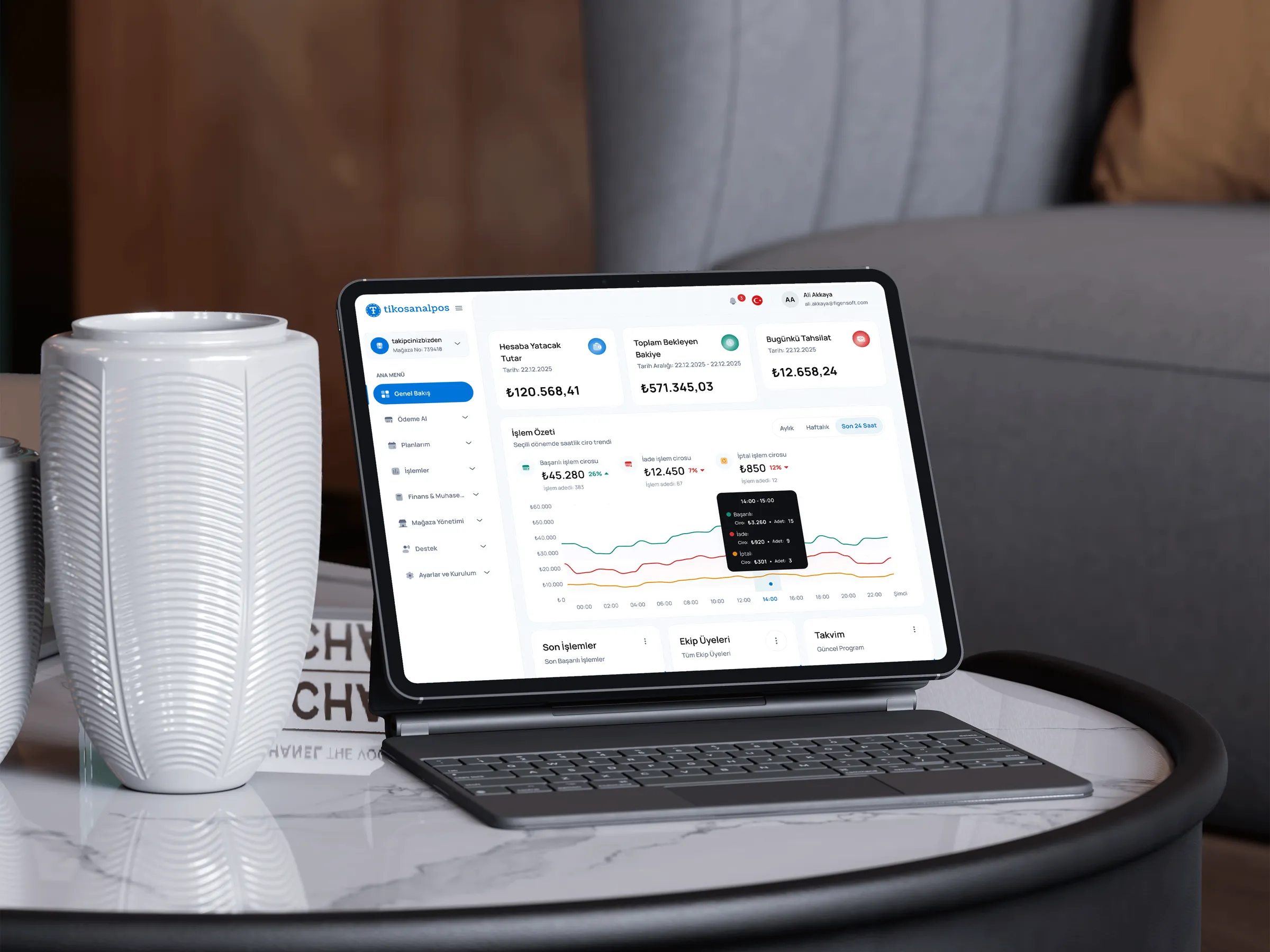
Tiko Virtual POS is a merchant dashboard product where businesses track daily payment activity, check transaction states and manage reconciliation workflows. The dashboard needed to show account health quickly while still explaining the status, lifecycle and possible actions of a single transaction in detail.
- (Context)
- Figensoft · Virtual POS / merchant dashboard
- (Role)
- Senior UI/UX Designer — UX architecture, UI design, dashboard flows and developer handoff
- (Scope)
- Dashboard structure, transaction list, filtering and search, status logic, transaction detail panel, settlement/refund states, KPI cards, terminal health, component states and developer handoff
- (Platform)
- Web dashboard / merchant backoffice
- (Status)
- Professional work
- (Live product)
- Open live dashboard


The problem
Merchant dashboards carry dense financial and operational information, but users still need to make decisions quickly. Summary cards, transaction rows, filters, currencies, settlement/refund states and terminal information all live on the same surface. The main challenge was keeping the connection between overview and detail intact, so users could scan the account and inspect a single transaction without losing context.
A virtual POS merchant dashboard where businesses can track payment activity, refunds, settlements and terminal status in one place without losing transaction-level detail.
(09)
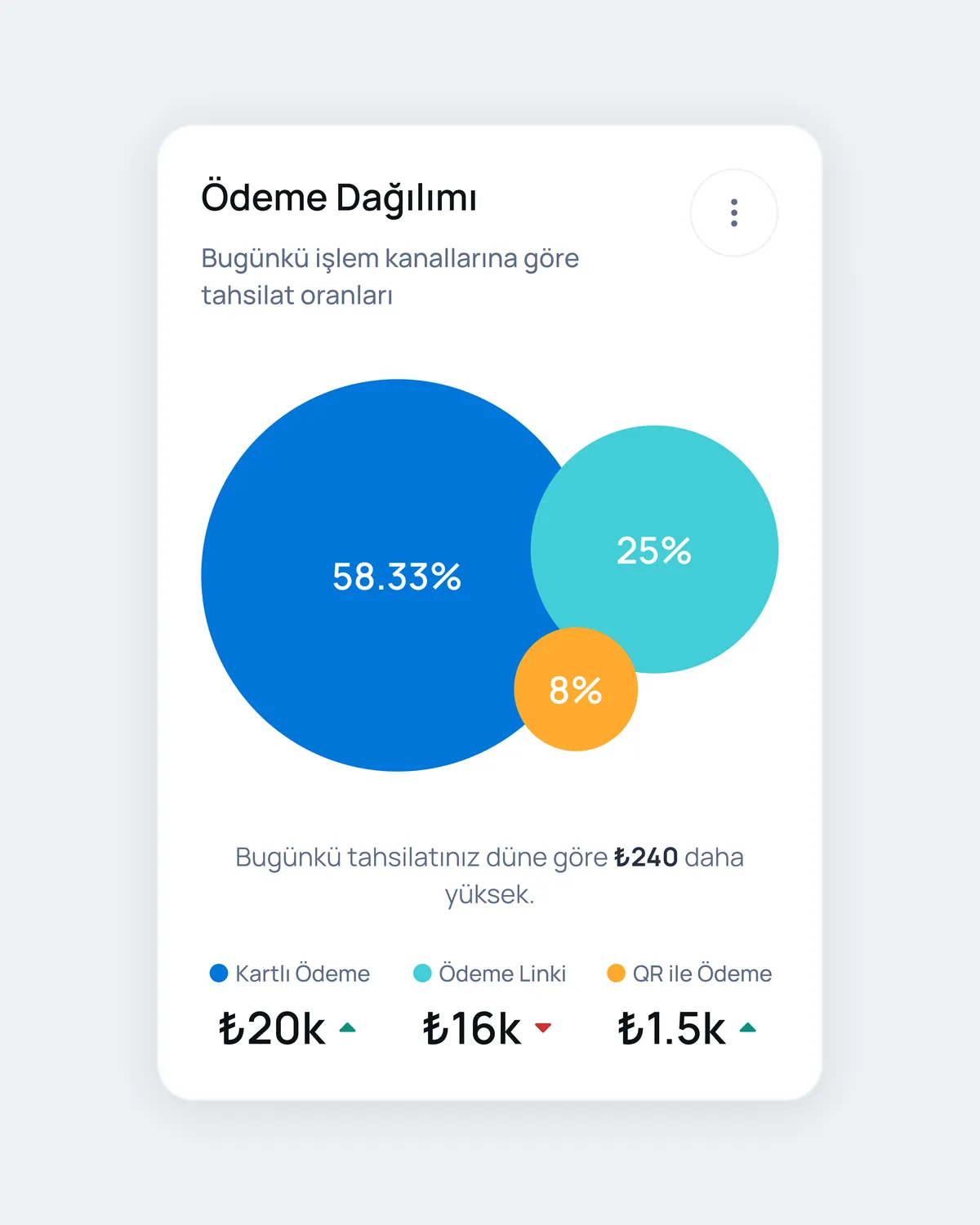
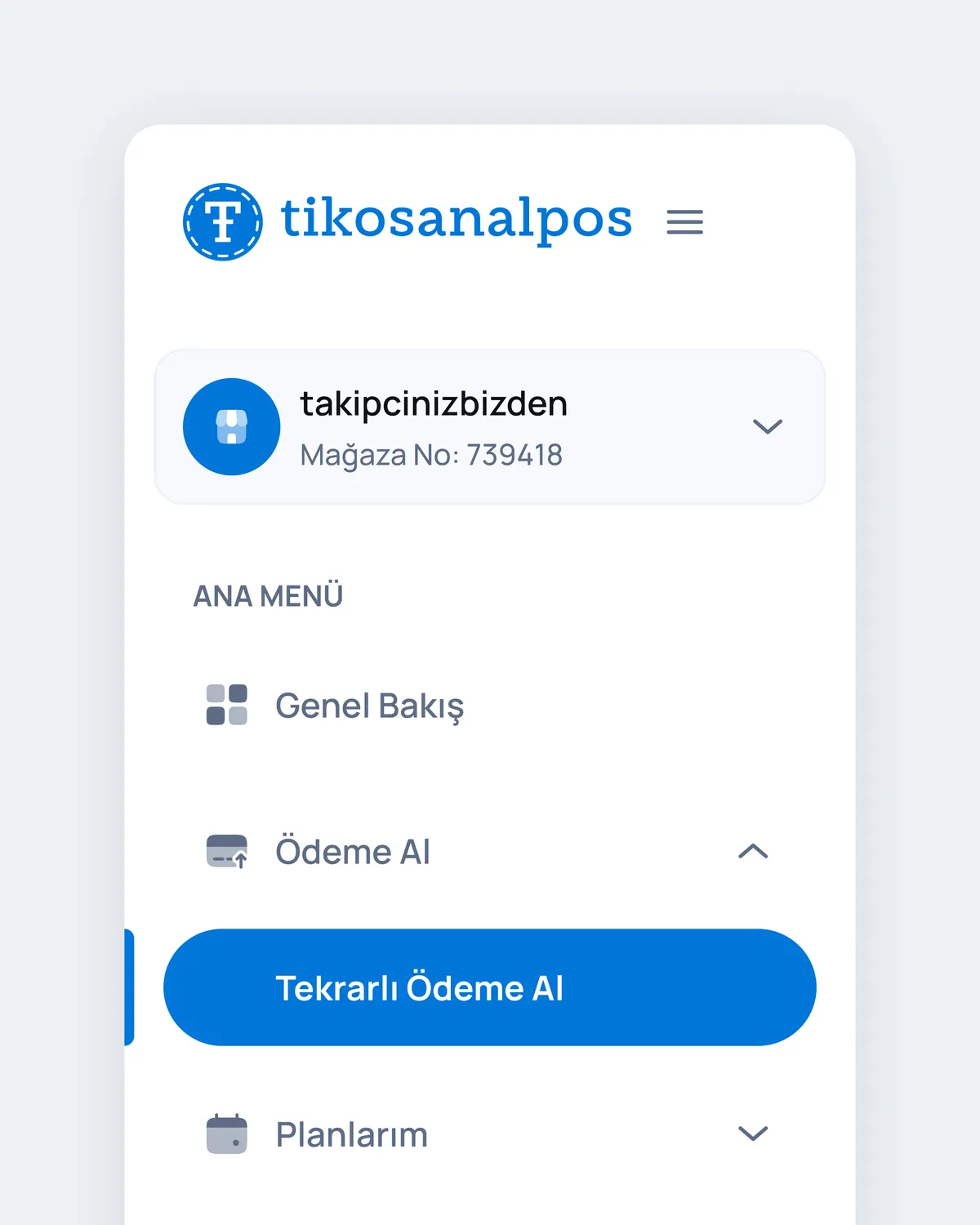
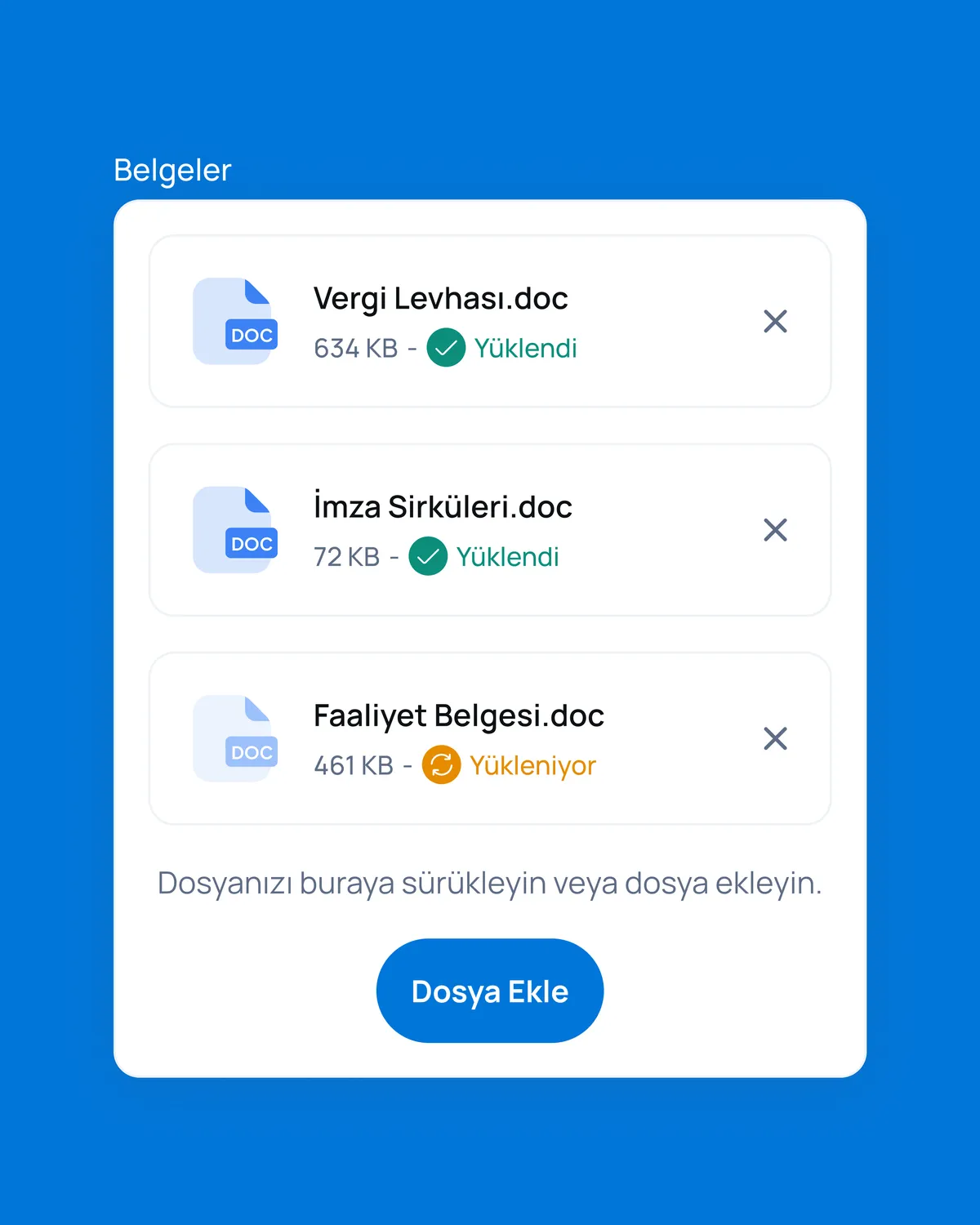
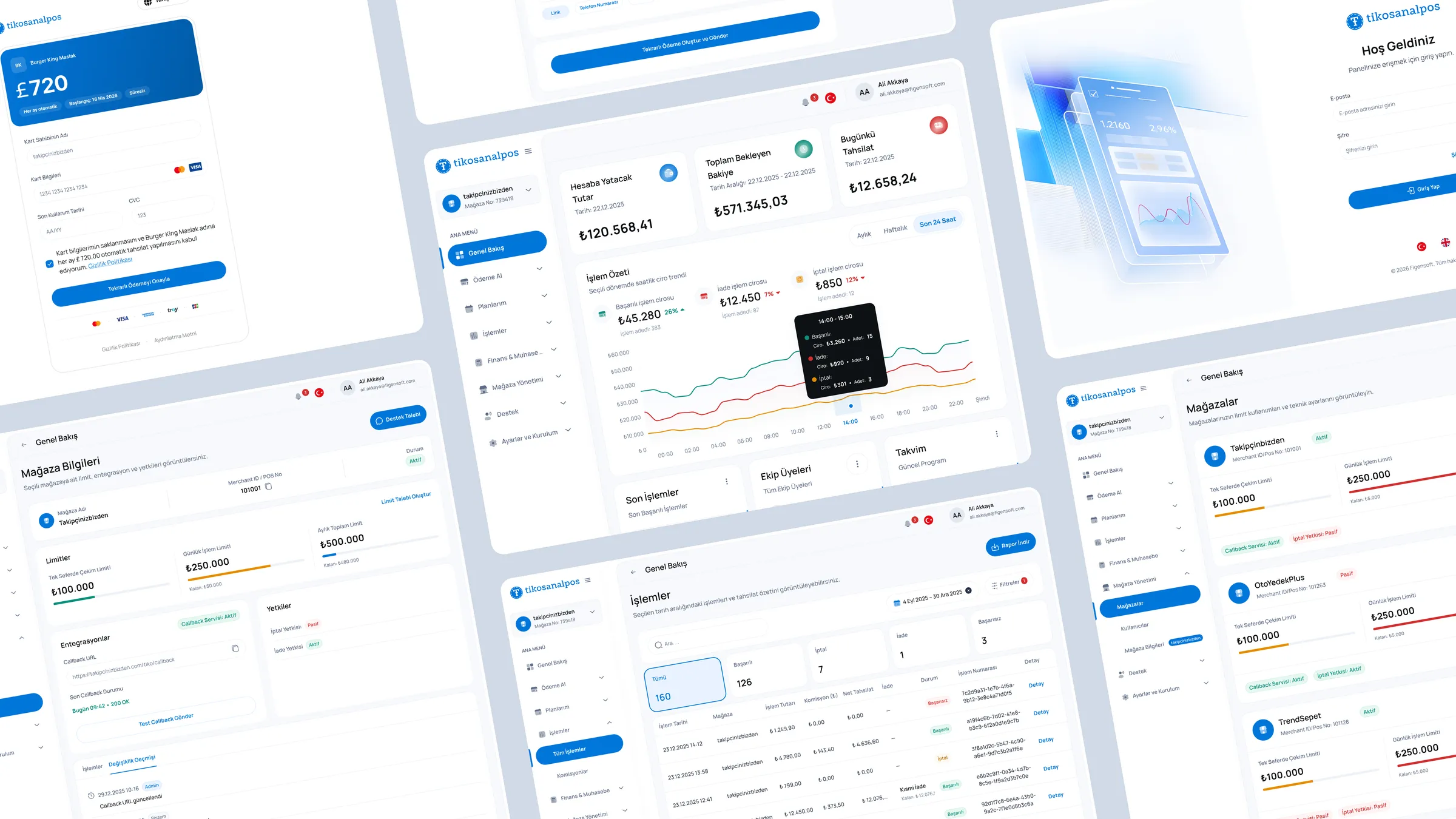
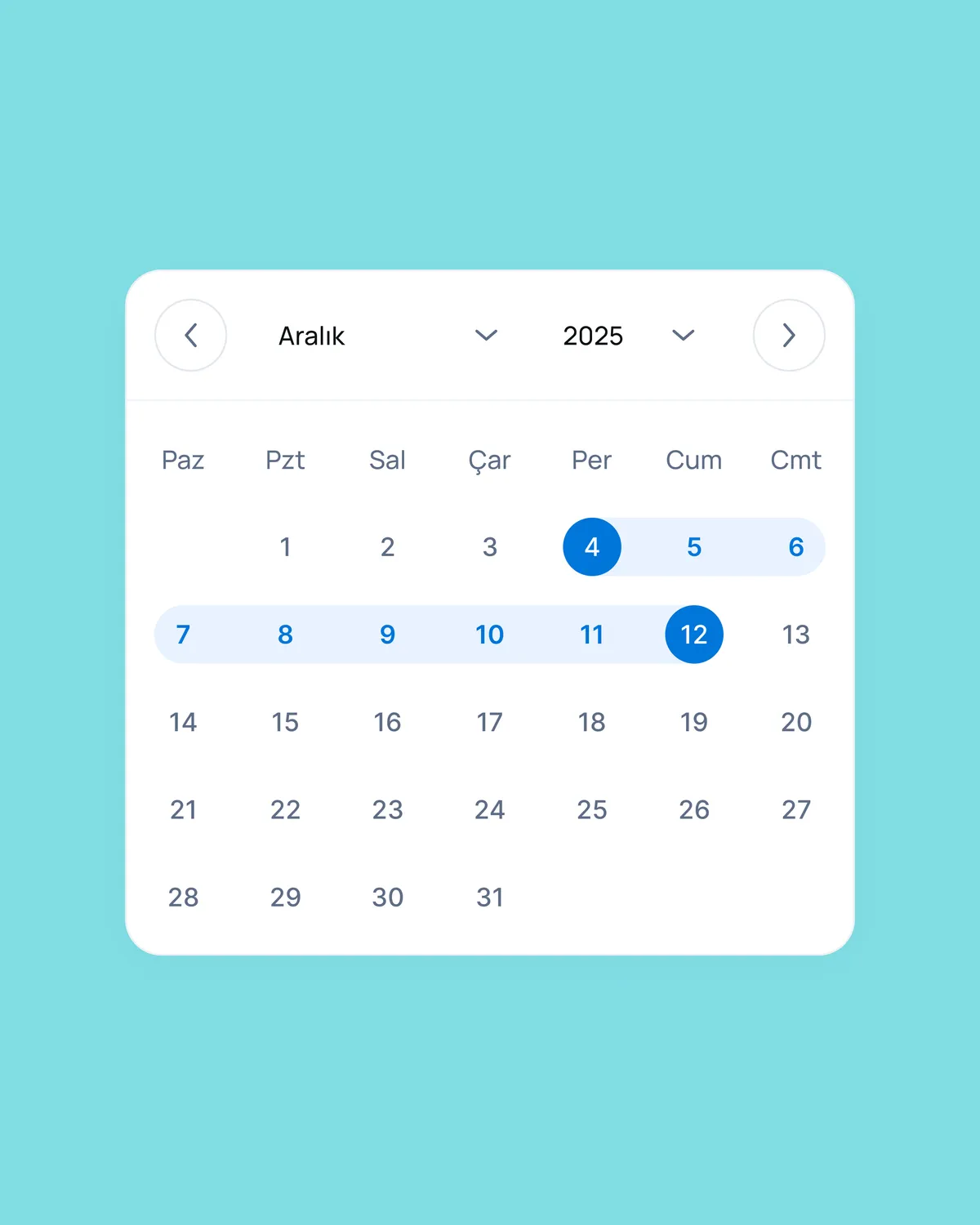

A merchant-facing virtual POS dashboard designed to bring transaction summaries, payment states, settlement/refund information and operational actions into one clearer self-service surface.
- 01Refund, settlement and reconciliation topics were surfaced inside the dashboard so users can understand transaction status with less reliance on support-led follow-up.
- 02Information architecture was organised around what merchants check most often: daily summary, transaction status, currency totals, recent activity and terminal health.
- 03Built on the existing component system, so screens could be handed off cleanly and practically to front-end.
I was the only designer on the product, working closely with two frontend developers, three backend developers and product stakeholders. I owned discovery, flow definition, information architecture, screen design and Figma handoff end to end. I adapted dense financial screens to real backend data constraints and folded weekly post-launch feedback back into the design process.
Key product decisions
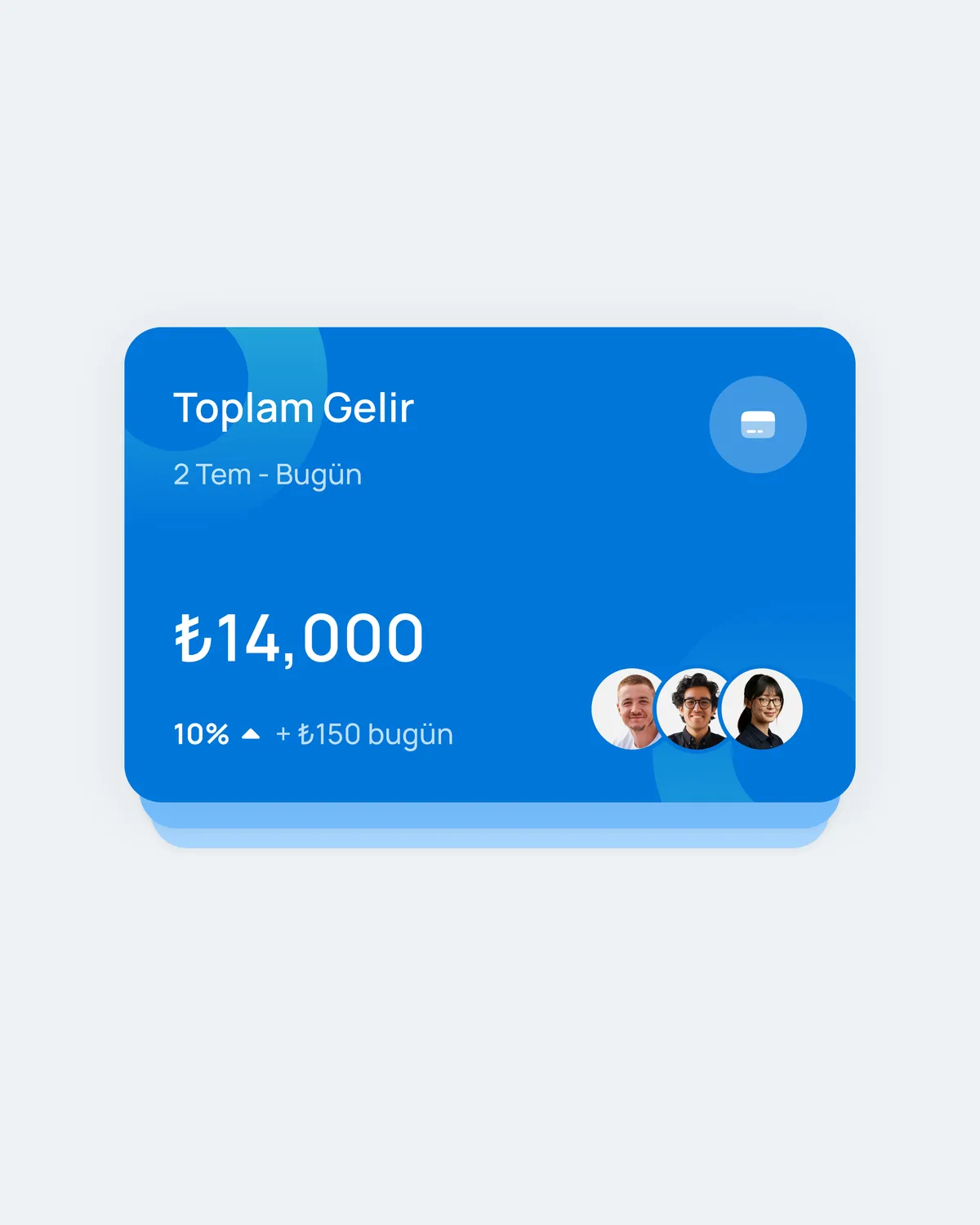
- 01Lead with operational summary cards so account state is readable before the user enters the table.
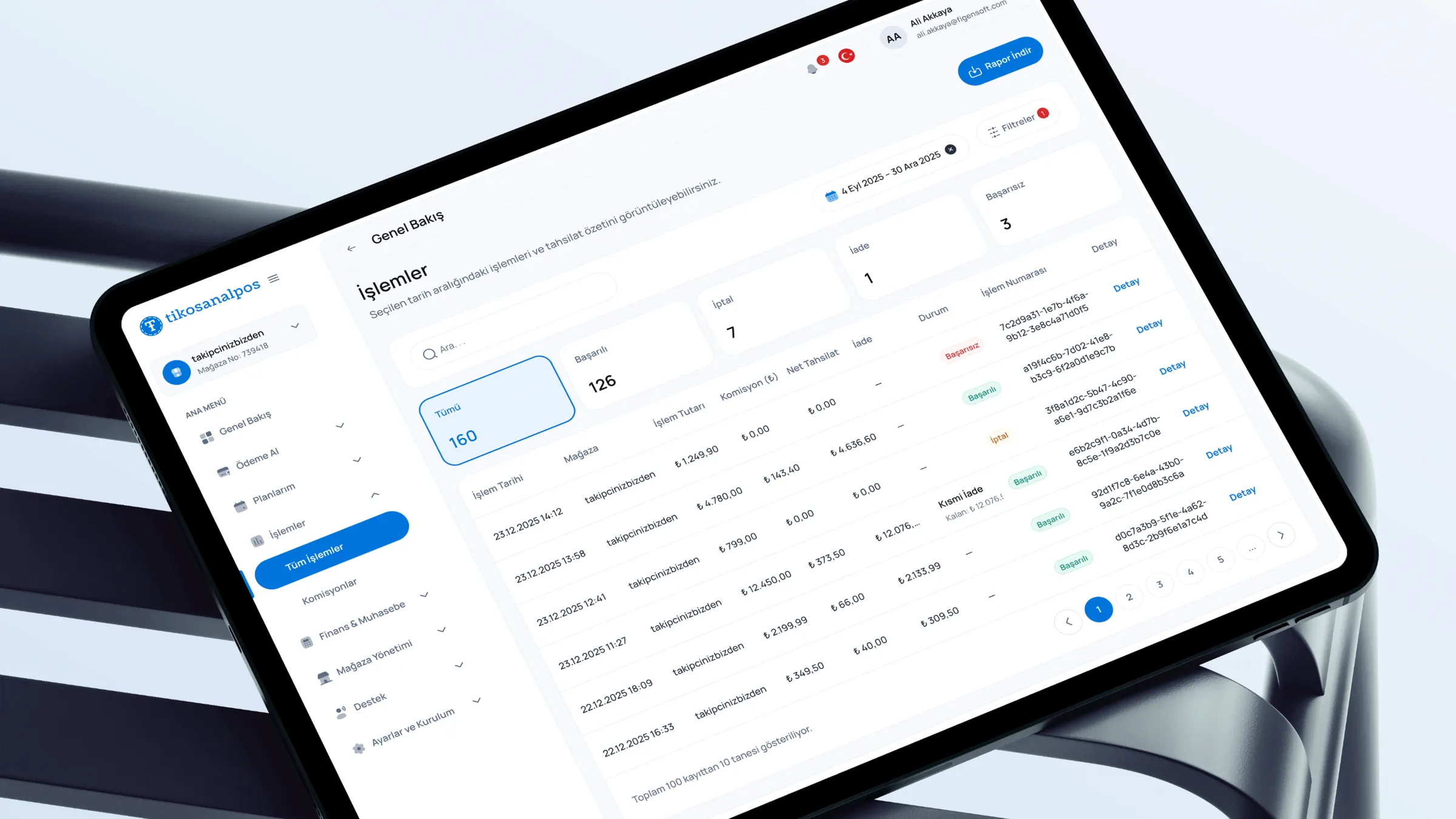
- 02Keep filters, status and transaction search close to the table instead of hiding frequent controls in secondary areas.
- 03Use a persistent detail panel so users can inspect a transaction without losing list context.
- 04Define one status language across summary cards, table rows, badges and the detail panel.
- 05Make settlement, refund, failed transaction and terminal-health states readable within the same system.
Flow and system design
The dashboard is built around a daily operations loop: scan the account, filter transactions, inspect a row, interpret its state and take action when needed. Filters, table selection and the detail panel share the same flow model, so users keep their orientation while investigating a transaction. Settlement and refund behaviour are treated as part of the transaction lifecycle rather than separate destinations.
Interface system
The interface system is compact and operational by design. KPI cards, filter chips, dense tables, status badges, terminal information and the right-side detail panel share spacing, type and state rules. Hover, selected, loading, empty and filtered-to-zero states were defined so the dashboard stays stable in real backoffice conditions.
Edge cases & states
- 01Pending settlement, settled, refunded, partially refunded and failed-capture states across list and detail.
- 02Empty, loading and filtered-to-zero states for the transaction table.
- 03Terminal offline or degraded health before it blocks a sale flow.
- 04Long merchant names, large amounts and multi-currency formatting without breaking the grid.
Developer handoff
I delivered annotated flows, dashboard structure, table behaviours, detail-panel logic and component states for engineering implementation. The handoff focused on making status logic, settlement/refund behaviour, filtering and the detail-panel structure clear enough to avoid interpretation gaps. The product runs in production as Tiko's virtual POS merchant dashboard.
What I'd improve next
I would add saved views for recurring operator tasks. For heavier usage scenarios, I would explore bulk actions and a lighter reconciliation view that links settlements to payouts directly inside the workflow.